Find your position in the Main Story
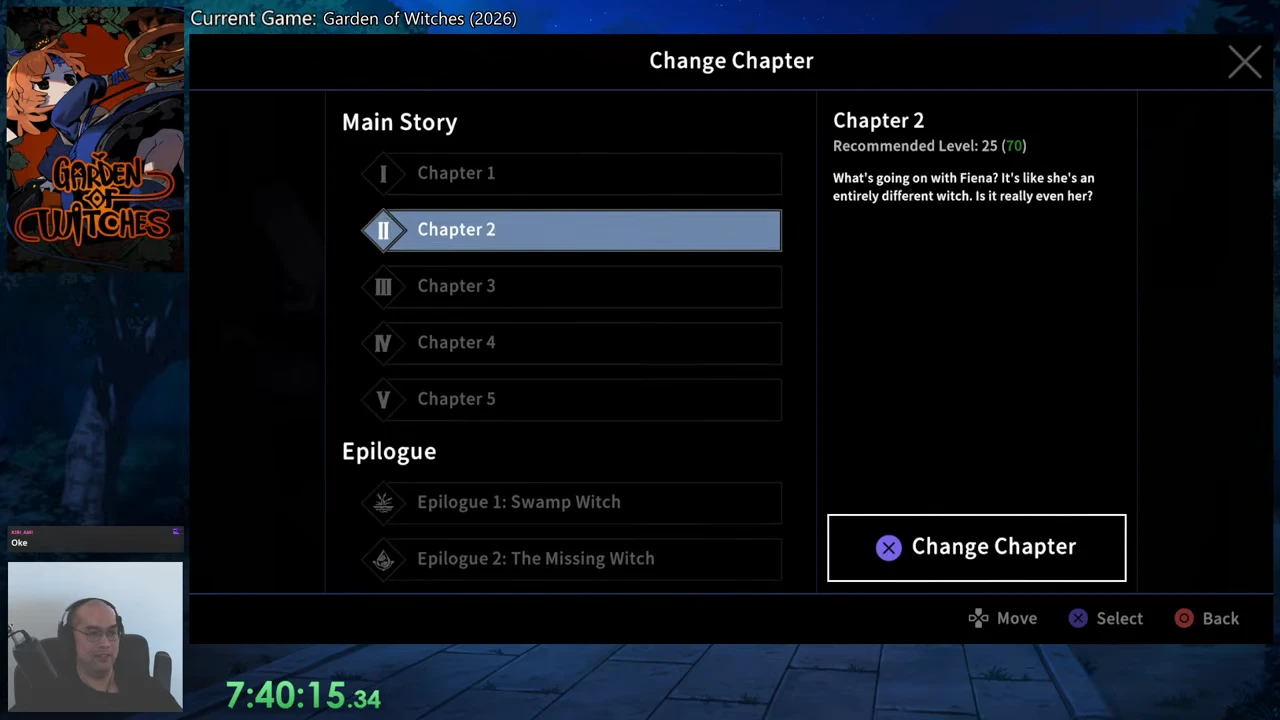
The Change Chapter menu separates five numbered Main Story chapters from the Epilogue section. Match the number here to your current chapter rather than using a boss name as your progress marker.
The chapter transitions below are from the same recorded progression. The footage shows Steam PC v1.0.0_b318. The later menu demonstration comes from a separate recording; its exact build at that moment is not established.
Use the chapter boundary, not an intermediate victory
Continue the run and its story through to the next chapter transition. The early recording contains several different boss encounters before the tea-party sequence, so seeing one defeated boss does not establish that the whole chapter is finished.
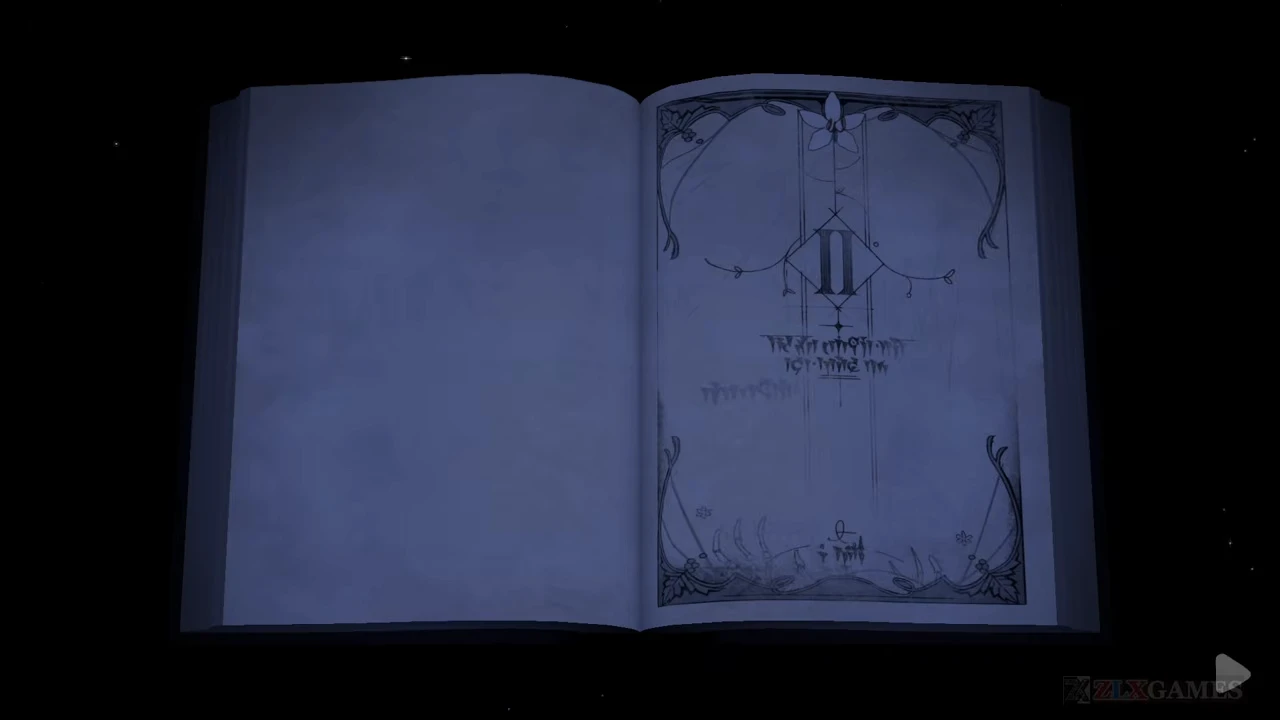
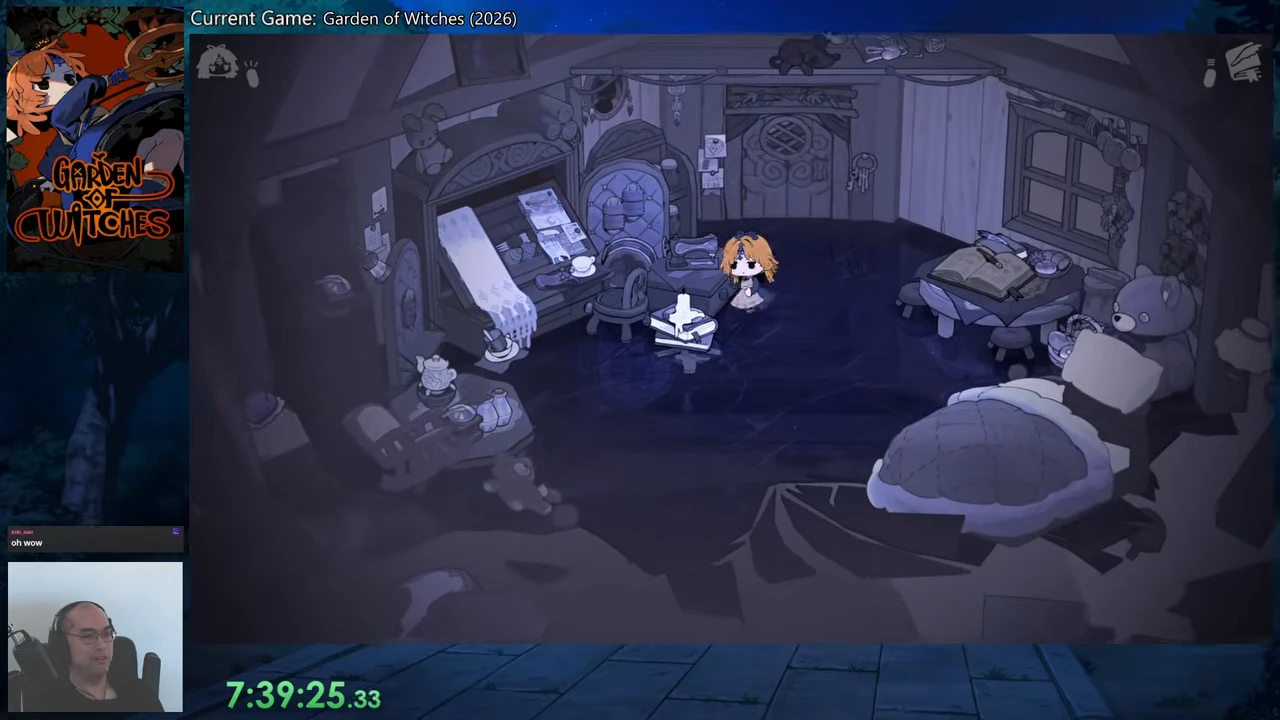
For a concrete first boundary, the tea-party dialogue is followed by reward screens including Giant Scissors, then the book page marked II and a return to the house. Use the game’s Next or Confirm prompts to continue past rewards instead of stopping on the first unlock card.
| Current stage | Next visible story boundary | What to do after that boundary |
|---|---|---|
| Chapter 1 | Book page II | Continue the house scene for Chapter 2. |
| Chapter 2 | Book page III | Continue the next house scene for Chapter 3. |
| Chapter 3 | Book page IV | Continue the next house scene for Chapter 4. |
| Chapter 4 | Book page V | Continue the next house scene for Chapter 5. |
| Chapter 5 | Swamp-themed Epilogue opening | Continue into Epilogue 1 rather than treating the main-story book ending as the end of all available story. |
Open Change Chapter to check or revisit an entry
In the later mirrored version of the house, the player approaches the small bright book stack in front of the desk and opens Change Chapter. Read the entry on the left and its action area on the right.
An available earlier chapter shows a Change Chapter control. The currently active Epilogue instead says that the chapter is in progress. Highlighting another entry only previews it; use the displayed Change Chapter control when you intend to switch. This recording inspects the options and then returns to the current entry, so it does not demonstrate a new replay run or a fresh set of unlock rewards.
- Open the chapter menu at the book stack.
- Select the numbered chapter you want to inspect.
- Read whether the action offers Change Chapter or says the chapter is in progress.
- Use the displayed change action for an available destination, or back out to continue your current chapter.
Keep the two kinds of progress separate
For first-time story progress, follow the current chapter through its ending and next opening. For revisiting an available chapter, use the chapter menu deliberately. Merely browsing an old chapter in that menu is not evidence that you advanced the story.
After Chapter 5, the next entry is Epilogue 1: Swamp Witch. The later menu also lists The Missing Witch and Mirror Witch as Epilogues 2 and 3; their endings and the subsequent unlock are covered in the Epilogue guide.